







Skills management for MES/MOM
Verify that the operator on a station has the required training, skills and valid qualifications—before the job starts.













What Is Skills Management?
Skills management is a workforce compliance module designed to support HR and production teams in maintaining reliable, up-to-date records of employee training, skills, and formal qualifications.
It is not a training content or learning platform. The module focuses on verification and validity rather than course delivery. It answers practical operational questions such as:
which training programmes an employee has completed and when
when specific skills, certificates, or authorisations expire
whether a person is currently authorised to perform a defined role on a given production line or workstation
By linking qualification status with production roles, the module enables consistent compliance checks at the point of execution and reduces the risk of unqualified staff being assigned to regulated or critical operations.
Business outcomes
- Reduce “wrong person on station” disruptions on less-automated lines by checking authorisation during shift execution.
- Improve audit readiness by keeping skills, training history, and qualification validity in one place.
- Give HR a structured way to manage training requirements by organisational structure and operational teams.
- Provide a clear competency picture using a skills matrix and training balance reporting.
How it works
1
Import and structure workforce data
Build your plant structure (business units, areas, positions) and keep employees aligned with that structure.
2
Define skills, trainings, and rules
Map skills to training requirements, including periodic renewal and versions where needed.
3
Verify eligibility automatically
At the point of execution, verify whether a person has the required skill level and valid qualification/ training for the assigned work.
4
Act on gaps early
Notify relevant people, generate referrals/tasks, and use reporting to find who is “falling behind” on required training.
Key capabilities
Skills matrix
Competency view
Maintain a skills matrix that shows proficiency per employee and whether a given skill is required vs currently possessed. The proficiency scale can be managed from 0 to 5 (from “no skill” to “mastered”).
Referrals and qualifications
Evidence and status control
Manage referrals and qualification statuses to support the verification process (e.g., acceptance/ completion states, qualification evidence, and traceable updates).
Organisation scheme vs operational scheme
Two ways to assign requirements
- Organisation scheme: assign training requirements through the factory structure (areas, business units).
- Operational scheme: create ad-hoc operational teams and assign skills/training for specific work contexts (e.g., special tasks, temporary teams).
Groups and teams
Operational workforce structure
Manage groups and teams as part of the operational model (including team membership management).
Reporting and export
Reports for audits
Generate reports and export to XLS for audits, HR reviews, and operational oversight.
Training balance
Validity and expiry view
Use training balance to track assigned trainings for an employee across a time period, including completion and expiration dates, whether training is required, and status signals for compliance checks.
HR workspace and shop floor checks
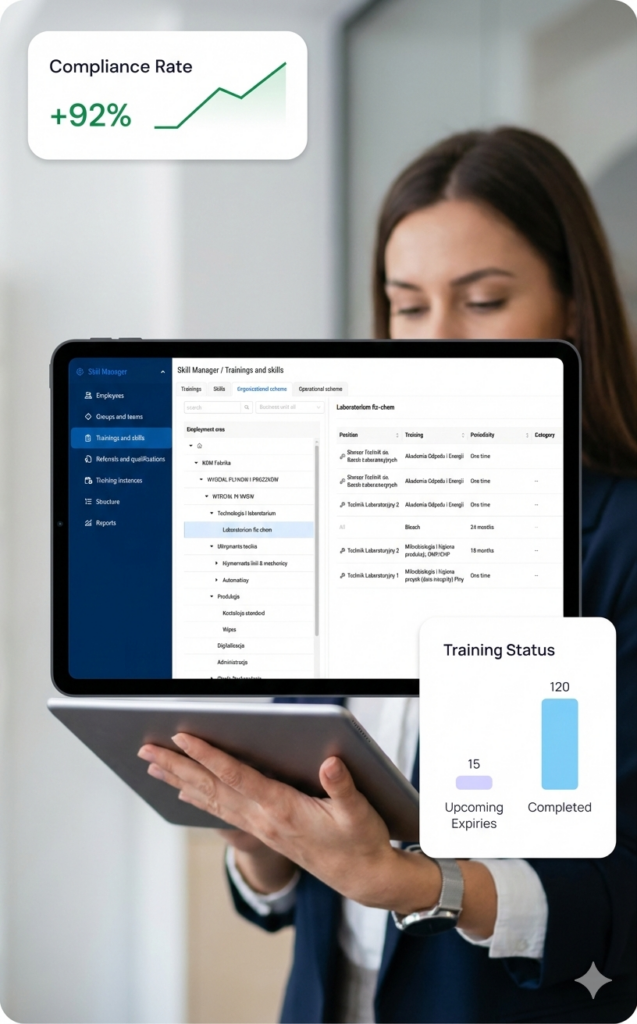
For HR (skills compliance cockpit)
- Maintain employees, positions, teams, trainings, and validity rules.
- Track upcoming expiries and missing required training using training balance and matrix views.
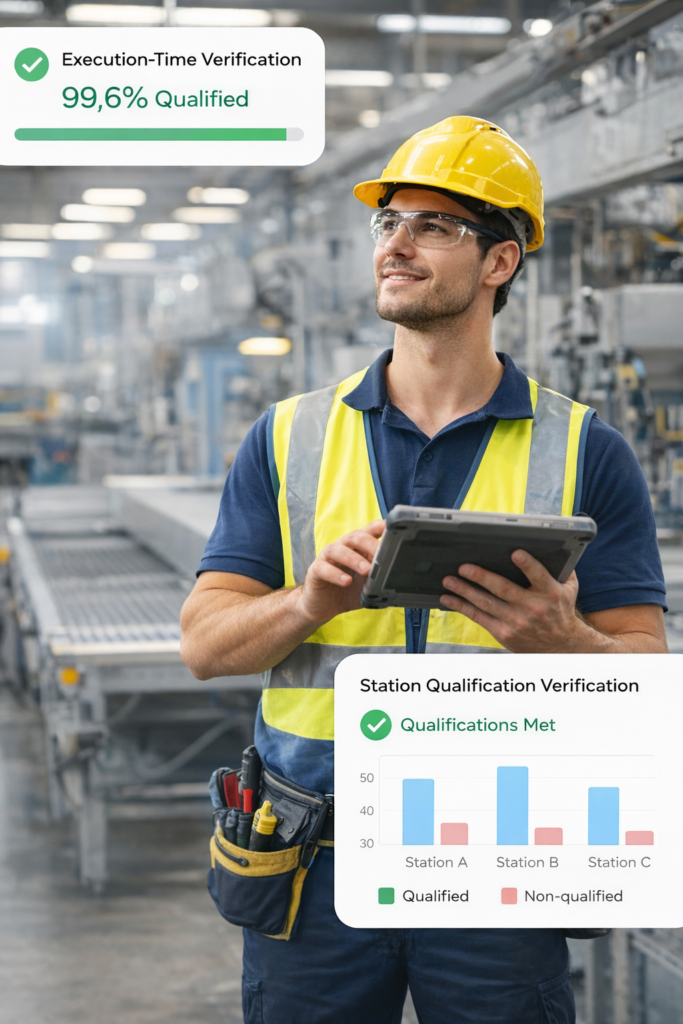
For production (execution-time verification)
- Before a person performs a role, check whether they meet the required qualifications for that stationoperation.
- Use results inside MES to prevent avoidable non-compliance events.
Integrations
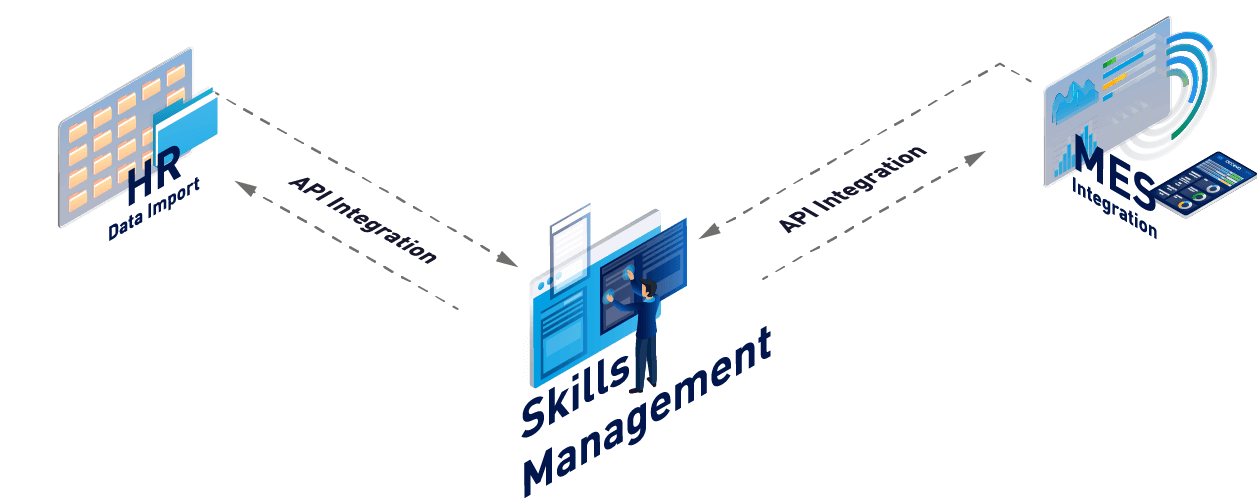
- HR data import (employees, organisational structure, positions)
- API integration for training results or external HR/LMS sources
- MES integration so verification results are available where work is executed (operator panel / assignment validation)
Why Skills Management from Accevo?
Less-automated lines:
verify station eligibility when operators sign in or are assigned.
Periodic recertification:
ensure renewal happens before expiry dates.
Audits:
show who had valid qualifications for regulated activities at a given time.
Contractors / cross-site certificates:
register external certification evidence and include it in verification logic.
Is this an LMS?
Can skills require multiple trainings and periodic renewal?
Can it work without heavy automation on the line?
Can we export reports for audits?
System Presentation
Contact with our Expert to discuss the best system for your factory

Why to get a demo?
- A 60-minute online meeting with a dedicated specialist presenting a top system from an industry similar to yours
- Live modeling of your production process
- A budget quotation after the meeting